
Table of Contents
ToggleDigital Archiving System: Best Practices for Saudi Businesses
Introduction
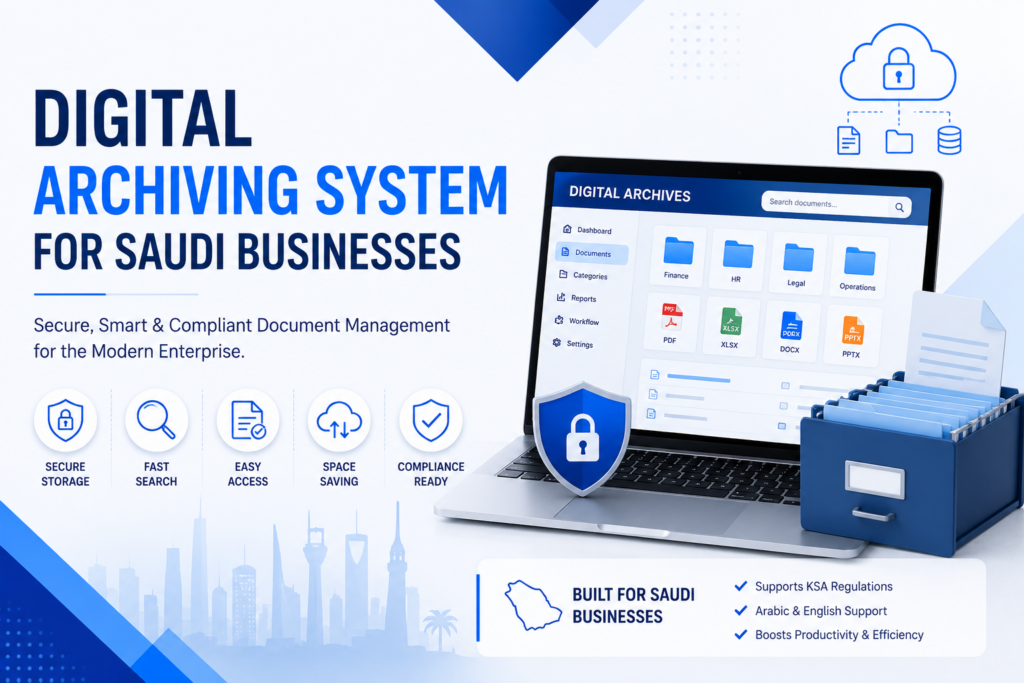
A Digital Archiving System enables organizations to securely preserve business records while making them easy to retrieve, manage, and protect throughout their lifecycle. As Saudi Arabia accelerates its digital transformation under Vision 2030, businesses are replacing paper-based archives with intelligent digital repositories that improve operational efficiency, regulatory compliance, and information security.
However, simply scanning documents into folders is not enough. Successful digital archiving requires well-defined policies, secure technologies, and governance practices that ensure documents remain accessible, authentic, and protected for years to come.
What Is a Digital Archiving System?
Digital Archiving System is a centralized platform for storing, organizing, protecting, and retrieving electronic business records throughout their retention lifecycle.
Unlike basic cloud storage, digital archiving systems provide:
Structured document classification
Metadata management
Version control
Secure access permissions
Audit trails
Long-term retention policies
Fast document retrieval
These capabilities help organizations maintain reliable business records while supporting compliance and operational efficiency.
Why Digital Archiving Matters for Saudi Businesses
Saudi organizations across healthcare, construction, manufacturing, finance, education, and government manage thousands of critical documents every year.
Without proper archiving, businesses often experience:
Lost business records
Slow document retrieval
Duplicate files
Storage inefficiencies
Increased operational costs
Compliance risks
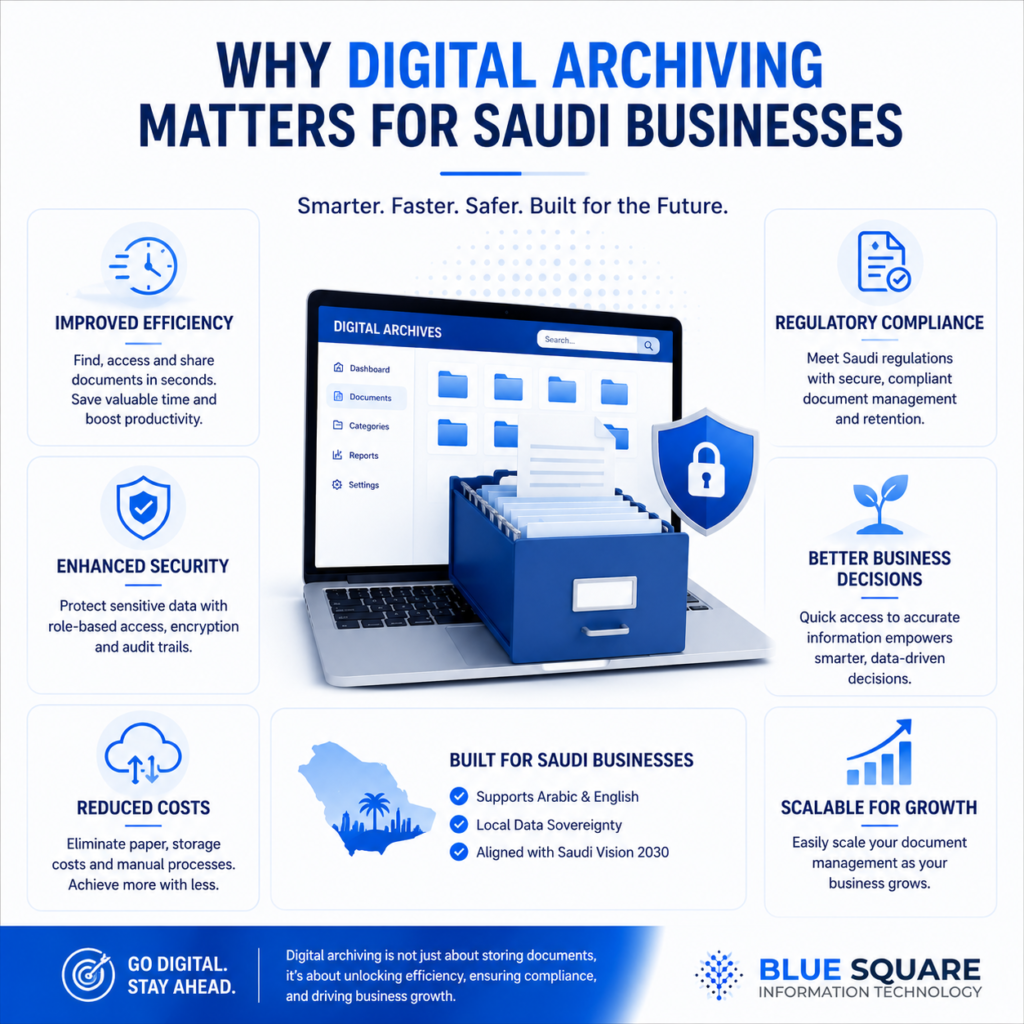
A modern Digital Archiving System helps eliminate these challenges by creating a secure and searchable repository for all business documents.
10 Best Practices for Digital Archiving
1. Establish a Document Retention Policy
Define how long each document type should be retained before archival or secure disposal.
2. Standardize Document Classification
Organize documents using consistent categories, naming conventions, and metadata to simplify retrieval.
3. Implement Role-Based Access Control
Restrict document access according to employee responsibilities to protect confidential information.
4. Maintain Complete Audit Trails
Every document action—including uploads, edits, approvals, and downloads—should be recorded for accountability.
5. Digitize High-Value Records First
Prioritize contracts, financial documents, HR files, engineering drawings, and legal records that deliver the greatest operational value.
6. Automate Document Indexing
Using intelligent indexing reduces manual filing errors and improves search performance.
7. Protect Archived Data
Encrypt archived files, perform regular backups, and implement disaster recovery strategies.
8. Integrate With Business Systems
Connect your digital archiving system with ERP, HR, CRM, and finance platforms to create a unified information ecosystem.
9. Regularly Review Archive Quality
Conduct periodic audits to remove duplicates, update metadata, and verify document integrity.
10. Train Employees
Technology alone does not guarantee success. Employees should understand archiving procedures, security policies, and document governance standards.
Common Digital Archiving Mistakes
Organizations should avoid:
- Saving documents without metadata
- Using inconsistent folder structures
- Ignoring backup strategies
- Allowing unrestricted access
- Keeping duplicate document versions
- Delaying document digitization
Avoiding these mistakes improves long-term document reliability and operational efficiency.
Choosing the Right Digital Archiving System
When evaluating a solution, businesses should look for:
- Intelligent search capabilities
- Secure role-based access
- Workflow automation
- ERP integration
- Scalability
- Audit logging
- Compliance support
- Cloud or hybrid deployment options
According to AIIM (Association for Intelligent Information Management), effective information management combines governance, automation, and secure access to ensure business information remains accurate, compliant, and accessible throughout its lifecycle.
Why Choose BSIT for Digital Archiving?
Organizations implementing a Digital Archiving System can benefit from BSIT’s AI Electronic Document Management System (AI eDMS), which combines intelligent document organization, secure access controls, AI-powered search, workflow automation, and Zonal OCR to simplify enterprise document management. Rather than functioning as basic file storage, the platform helps businesses manage the complete document lifecycle efficiently.
Businesses looking to modernize their information management strategy can also explore BSIT’s Cloud Services, which provide secure cloud hosting and migration capabilities for enterprise workloads, supporting reliable and scalable digital archives.
Frequently Asked Questions
What is a Digital Archiving System?
A Digital Archiving System securely stores, organizes, protects, and retrieves business records while supporting long-term retention, compliance, and operational efficiency.
How is digital archiving different from cloud storage?
Cloud storage simply stores files, while a digital archiving system includes document classification, metadata, version control, audit trails, security policies, and lifecycle management.
Which businesses benefit most from digital archiving?
Construction, healthcare, manufacturing, logistics, education, finance, legal firms, and government organizations benefit significantly because they manage large volumes of important business documents.